
iPhone and web
Lorne & Vale on the web and on iPhone.
Lorne & Vale runs in your web browser. There is no Mac app to install.
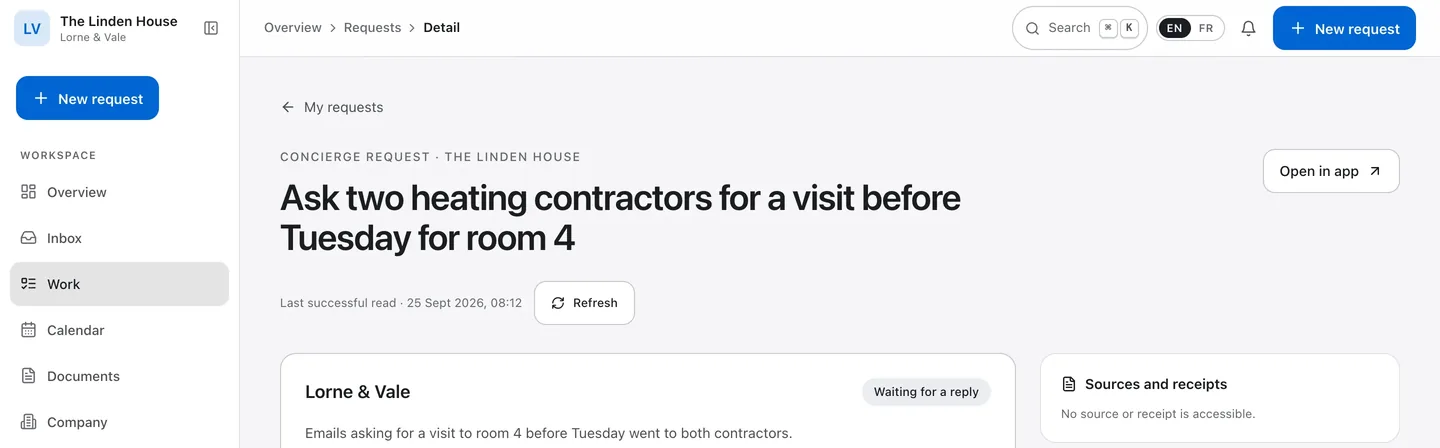
On the web
Available now, by invitation.
One workspace
Overview, Inbox, Work, Calendar, Documents and Company, in one workspace.
Every email, word for word
Each email it sent can be read word for word in the request.
When it needs you
When a request needs your answer, Lorne & Vale tells you by email.
The calendar you already use
Your follow-up dates can appear in the calendar you already use, through a private, read-only subscription link.
English and French
The concierge writes in the language you use in the app.
On iPhone, in Safari
On iPhone, open Lorne & Vale in Safari.
On iPhone
The iPhone app is not on the App Store.
During launch, you use Lorne & Vale in your web browser. Here is the iPhone app as it stands, for iOS 26 or later.
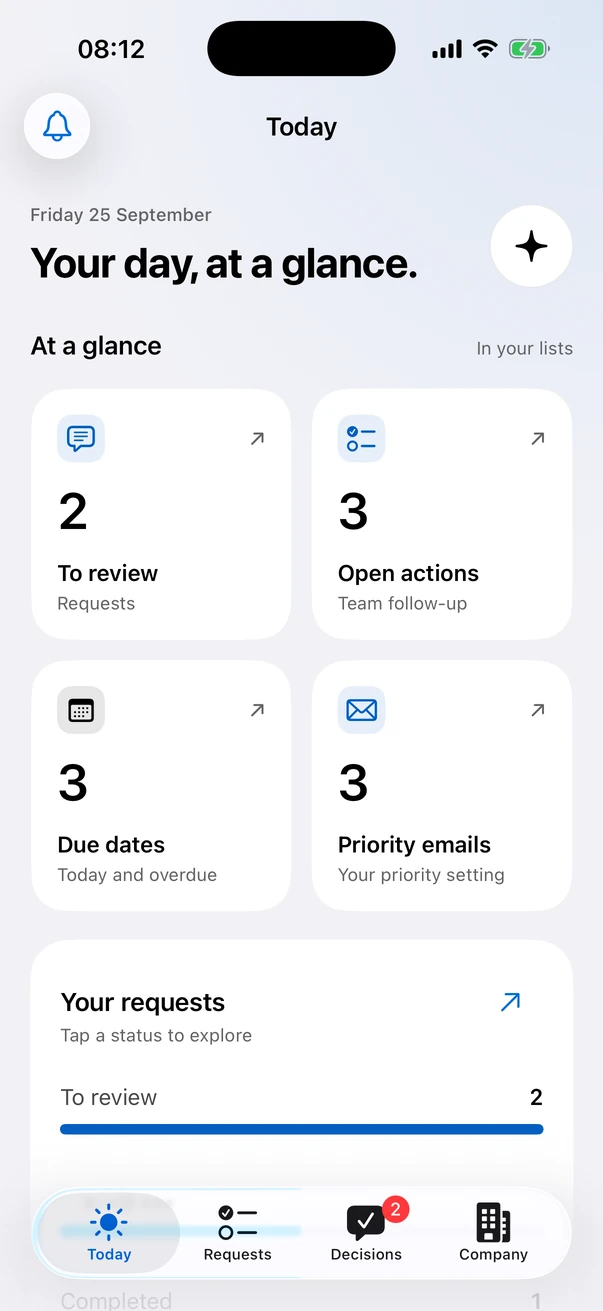
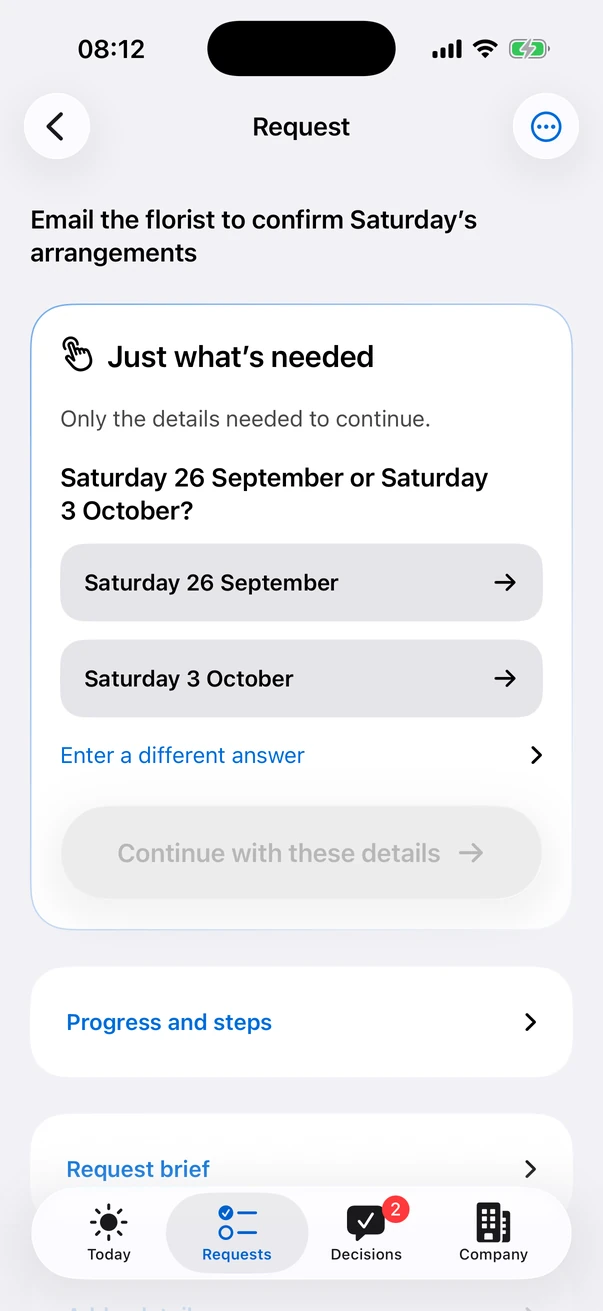
Illustrative example. Names, places and data are fictional. Dates shown are fictional.
Four places
Today, Requests, Decisions and Company.
Dictation on the iPhone
Dictation is transcribed on the iPhone itself.
Face ID
The iPhone app locks with Face ID by default. You can switch this off in Settings.
A calendar of its own
Follow-ups and due dates can appear in the Calendar app, in a calendar of their own. The app does not read your events.
Your text size
Text follows your iPhone’s text size, and motion respects Reduce Motion.
No third-party SDKs
The iPhone app includes no third-party SDKs, analytics or advertising code.
What would you hand over first?
Once we approve your address, you create your account and name your workspace.